








It’s the modern-day nightmare: you plug in your battery pack, but the lights don’t blink. No movement on the charge indicator. Nothing. Why is your battery pack not charging? That deadweight in your bag isn’t just annoying—it kills your on-the-go productivity.
As a professional lithium battery pack manufacturer, I’ve tested dozens of packs, dug into engineering notes, and seen every charging hiccup imaginable. Let’s fix yours.
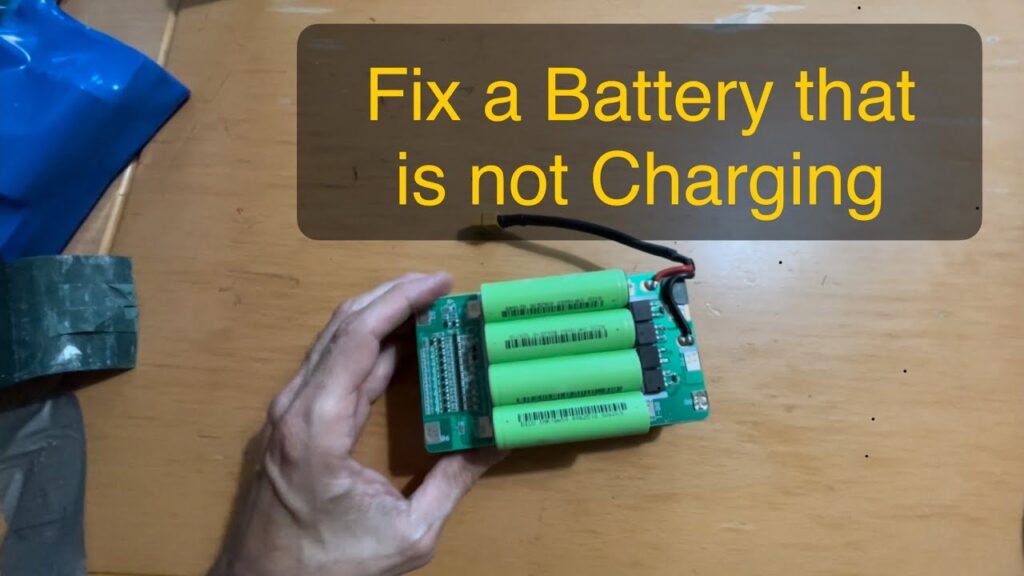
Why is Your Battery Pack Not Charging?
Start with the Obvious: Basic Checks
Before panicking, rule out the 60% of issues caused by simple oversights. Here’s your first-aid kit:
- Faulty Cable or Adapter
- Try another USB-C/Lightning cable (60% of “dead” packs revive with this).
- Swap the wall adapter. Many packs refuse low-wattage sources—Apple’s 20W is my go-to.
- Pro tip: Test with a phone charger. If your phone charges, your wall outlet’s fine.
- Dirty or Damaged Ports
- Debris in ports? Use a toothpick or canned air—no metal tools.
- Wiggle the cable gently. A loose connection flickers lights or cuts charging mid-way.
- Power Source Issues
- Skip laptop USB ports (too weak). Use AC outlets directly.
- Extension cords/power strips often fail under charging loads.
Battery-Specific Problems
If basic checks fail—focus here:
Deep Discharge (The “Zombie” State)
When a battery drains for months, it “shuts down” to protect cells. Symptoms:
- 0 lights, no response → Plug into AC power for 40+ minutes. Some packs need this “jump-start.”
- MagSafe packs: Try plugging into your iPhone while simultaneously charging the pack.
Faulty Cells or Swelling
- Red flag: Bulging sides, overheating, or sticky residue.
- DIY Fix? None. Swollen cells = immediate recycling (⚠️ fire hazard).
- Preventative tip: Store packs at 50% charge in cool areas.
Software Glitches
- Reset trick (universal):
- Turn off the pack.
- Unplug all cables.
- Press/hold the reset button (pinhole on sides) for 10 sec ⏱️.
- Recharge.
- For MagSafe/Anker packs: Plug the input (USB-C) and output (device) ports together for 15 sec.
Advanced Troubleshooting
Decode Blinking Lights
| Pattern | Meaning | Solution |
|---|---|---|
| Rapid blinking red | Overheating/low voltage | Cool down before charging |
| Single blink, then nothing | Deep discharge | Leave plugged in for 1+ hour |
| Alternating red/green | Firmware error | Factory reset |
The “Wake Up” Trick
Some packs (especially MagSafe) won’t charge unless a device is simultaneously connected. Try:
- Plug your phone into the pack.
- Plug the pack into a charger → Wait 10 min.
- Both devices should show charging signs.
Check Compatibility
- Power banks misbehave with “smart” devices (e.g., low-power earbuds). Test with a phone or tablet.
- Avoid cheap cables—Apple/Certified USB-PD cables prevent handshake failures.
When to Give Up
Sometimes, a pack is beyond saving:
4 Red Flags
- Swollen battery (⚠️ hazard—dispose properly)
- No lights after 2+ hours of charging.
- Burning smell or visible damage.
- Warranty void (DIY tampering).
Best Action
- Apple/MagSafe packs → Book a Genius Bar appointment.
- Anker/other brands → Request warranty replacement.
Make Your Next Pack Last
Maintenance Hacks
- Charge Cycles: Fully drain monthly to recalibrate indicators.
- Storage: Keep at 40-60% charge in a cool, dry spot.
- Cleaning: Q-tip + rubbing alcohol on USB ports every 3 months.
Skip the Headaches: My Pick
For reliability, I love packs like Chaizer:
- ✅ 8,000mAh capacity + fast charging.
- ✅ Built-in cables (USB-C, Lightning).
- ✅ Swap dead packs at kiosks (no charging downtime).
- ✅ Overheat/short-circuit protection.
Final Thoughts
You asked, we answered: Why is your battery pack not charging? It boils down to cables, deep discharges, glitches, or aging cells. Most packs recover with resets, patience, or fresh cables. But when lights stay dark—know it’s time to replace. Pro tip: Charge packs every 3 months (even unused). Dead batteries don’t just sit—they decay.
Go revive that pack on your desk. For everything else? New tech awaits.